Skip to content
iSyncSF Data Sync & Migration

Product

One native app for every Salesforce data move.

iSyncSF installs into your org from AppExchange and moves records, hierarchies, files and managed package data between your orgs. You choose what moves; iSyncSF works out the order, re-links the lookups and logs every record.

The free trial opens on Salesforce AppExchange (now AgentExchange): click Get It Now to install it in your org.

4.82 on AppExchange Data never leaves Salesforce

Records migrated
50M+
Data loss on every migration
Zero
Rating on Salesforce AppExchange
4.82
Native, inside your Salesforce orgs
100%

How it works

From install to first run, inside Salesforce.

Every job follows the same four steps, whether it is a one-off migration, a sandbox refresh or a sync you run every release.

  1. Step 1: Install from AppExchange

    Add the managed package to your org. There are no servers to set up and no data leaves Salesforce.

  2. Step 2: Connect your orgs

    Add your sandboxes and production orgs in Organization Master and connect them securely with External Client Apps, Named Credentials or OAuth 2.0.

  3. Step 3: Build a template

    Choose the objects and pick the records with a query. Fields map automatically and masking rules apply as you set them up. Or start from a prebuilt template.

  4. Step 4: Run and review

    Run on demand or on a schedule. Records are created in dependency order and every record is logged, source against destination.

Product tour

See iSyncSF in your Salesforce org.

A short walk through iSyncSF, running inside Salesforce.

Inside the app

What you see in Salesforce.

iSyncSF screen for Product2 with related Conga CPQ objects selected, and filter, sort, record limit, data masking and exclude parent fields options for the chosen object
Pick the related objects to bring with each record, here Conga CPQ objects under Product2, and set filters, sort, a record limit, masking and excluded parent fields for each one.
iSyncSF template run results: totals for inserted, updated, existing and skipped records, and a progress row for every object with total, completed and failed counts
After a run: inserted, updated, existing and skipped totals, and progress for every object with completed and failed counts. A detailed report is one click away.

Features

The parts that make complex migrations simple.

Data migration templates

Build a migration once, run it every release

A template holds the whole job: the objects and the records to pick. Fields map automatically and masking rules apply as you set them up, so no manual mapping is needed unless you want to move data to a different object or field. You stay in full control of exactly which records move.

  • Select specific records with a query
  • Run on demand or on a schedule
  • Prebuilt templates for Salesforce CPQ, Conga CPQ, Revenue Cloud and nCino
  • Help from our team to build templates for your own use cases

CPQ product catalog

Saved template

Full sandbox to production, reused every release

  1. 1Choose objectsProduct, options, features, price rules and more
  2. 2Pick the recordsSelect exactly what to move with a query
  3. 3Auto map and maskFields map automatically and your masking rules apply
  4. 4Run sync or migration, then reviewSuccess and error log for every record

Prebuilt templates

  • Salesforce CPQ
  • Conga CPQ
  • Revenue Cloud
  • nCino

Example template for illustration

Handling complex data models

Every relationship type, every level deep

Master-detail, lookup, junction, self and many-to-many relationships, N-level hierarchies and text relationships. iSyncSF works out the load order and re-links each lookup in the target org.

  • Managed package objects and custom objects
  • Virtual primary keys and custom external IDs
  • Map an object to a different object in the target, such as Contacts to Person Accounts
  • Record IDs stored in text fields are handled too
Diagram of a selected record with the parent and child records iSyncSF includes, and the records it excludes
Selected record Included Excluded Select one record: iSyncSF follows its parents and children and includes only what is related.

Organization Master

All your connected orgs in one place

Maintain every connected sandbox and production org from a single screen. Orgs connect with Salesforce's own secure connection methods, such as External Client Apps, Named Credentials and OAuth 2.0, managed in your own org.

Data masking

Mask or transform any field

Mask or transform the data on any field with a few clicks, in a sandbox or in the production org. Masking also removes the field history trail of masked records.

  • Mask all of the data or only part of it
  • Success and error report for every masking run
  • Works as records are copied, or on data already in an org

Contact, as it lands in UAT 3 fields masked

Name
J***** R*****
Email
u7f3k@masked.invalid
Phone
+1 *** *** ****
Accountkept
Northwind Health

Sample record for illustration. Switch masking off to see the original values.

Also built in

Everything a production migration needs

Files and attachments
Classic attachments and Lightning files move from one org to another with their records.
Metadata management
Switch workflow rules, validation rules and triggers off and on with a single click.
Quick metadata fix
Review and fix missing metadata on the objects in a sync before the run.
Logging and rollback
Every source record against its destination, with errors captured. If something fails, roll back the run: iSyncSF deletes the records it created and restores the field values it changed, or isolate the errors.
Custom callbacks
Invoke your own code during a sync to meet complex business requirements.
Selective migration
Pick exactly which records move with a query, for example only the current year.

Who it is for

Built for the teams who move Salesforce data.

Five common jobs, the problem each team faces and how iSyncSF solves it.

  • CPQ admins

    The need

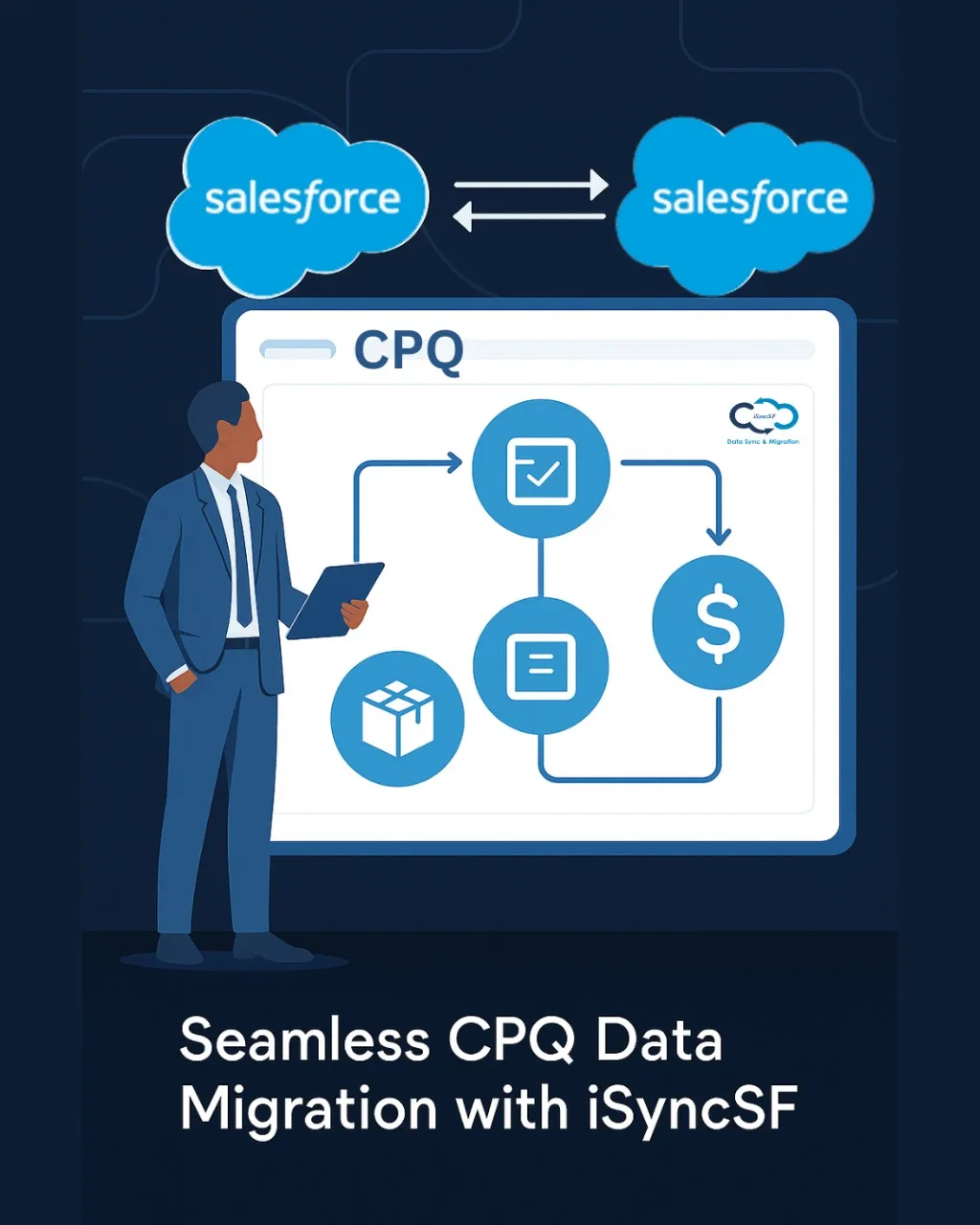
    Move products, price rules, constraint rules, attribute rules and all their related configuration between orgs.

    With iSyncSF

    Migrate the complete product hierarchy with options, option groups, attributes, price lists, price matrices and rules, plus constraint rules with their conditions and actions.

    Explore the solution
  • Developers

    The need

    Build and test new features on production-like data without putting production at risk.

    With iSyncSF

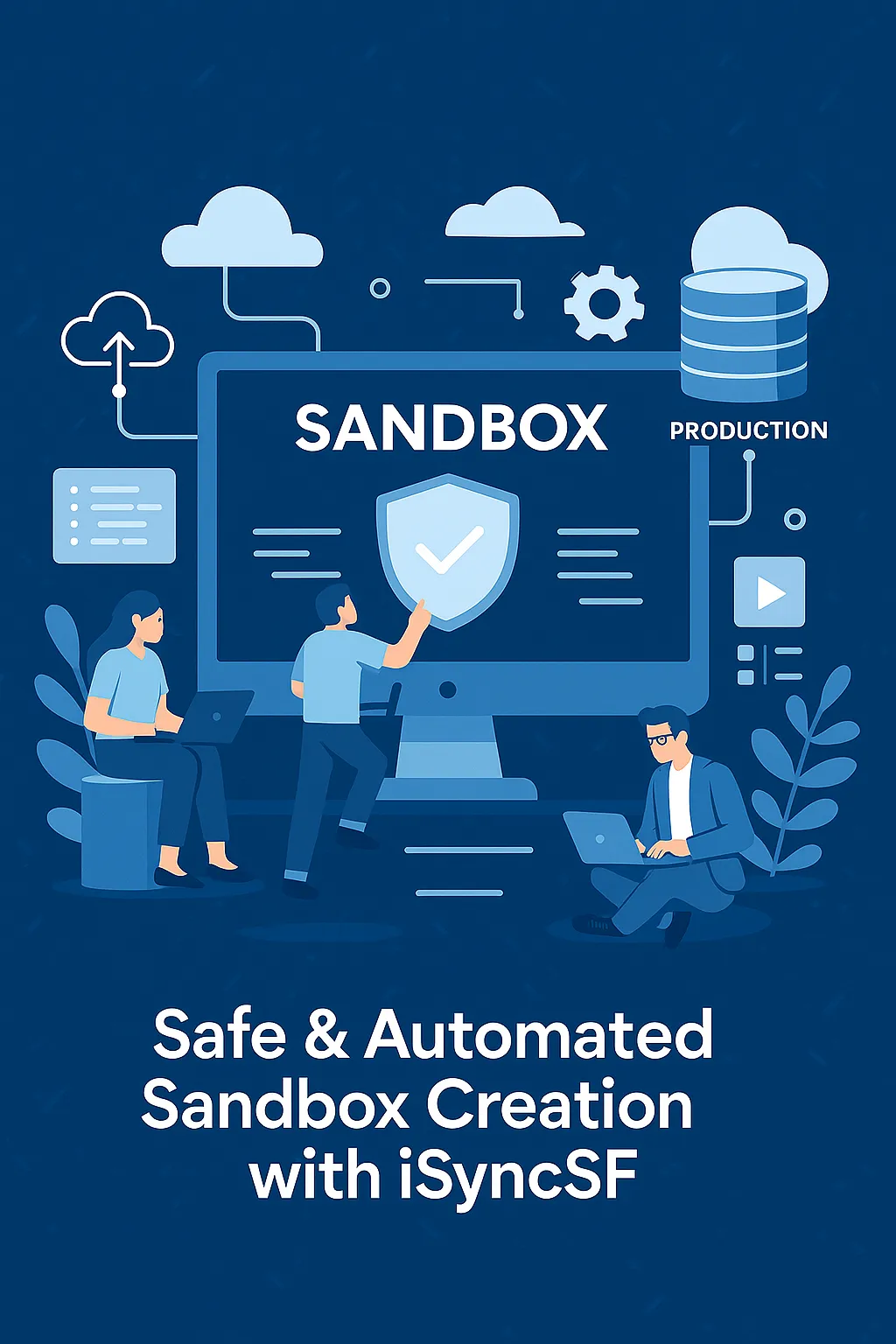
    Seed each sandbox with the data sets a project needs, keep master data consistent across sandboxes and add transactional data when you need it.

    Explore the solution
  • Production support

    The need

    Troubleshoot issues without working directly in production, and without giving vendors production access.

    With iSyncSF

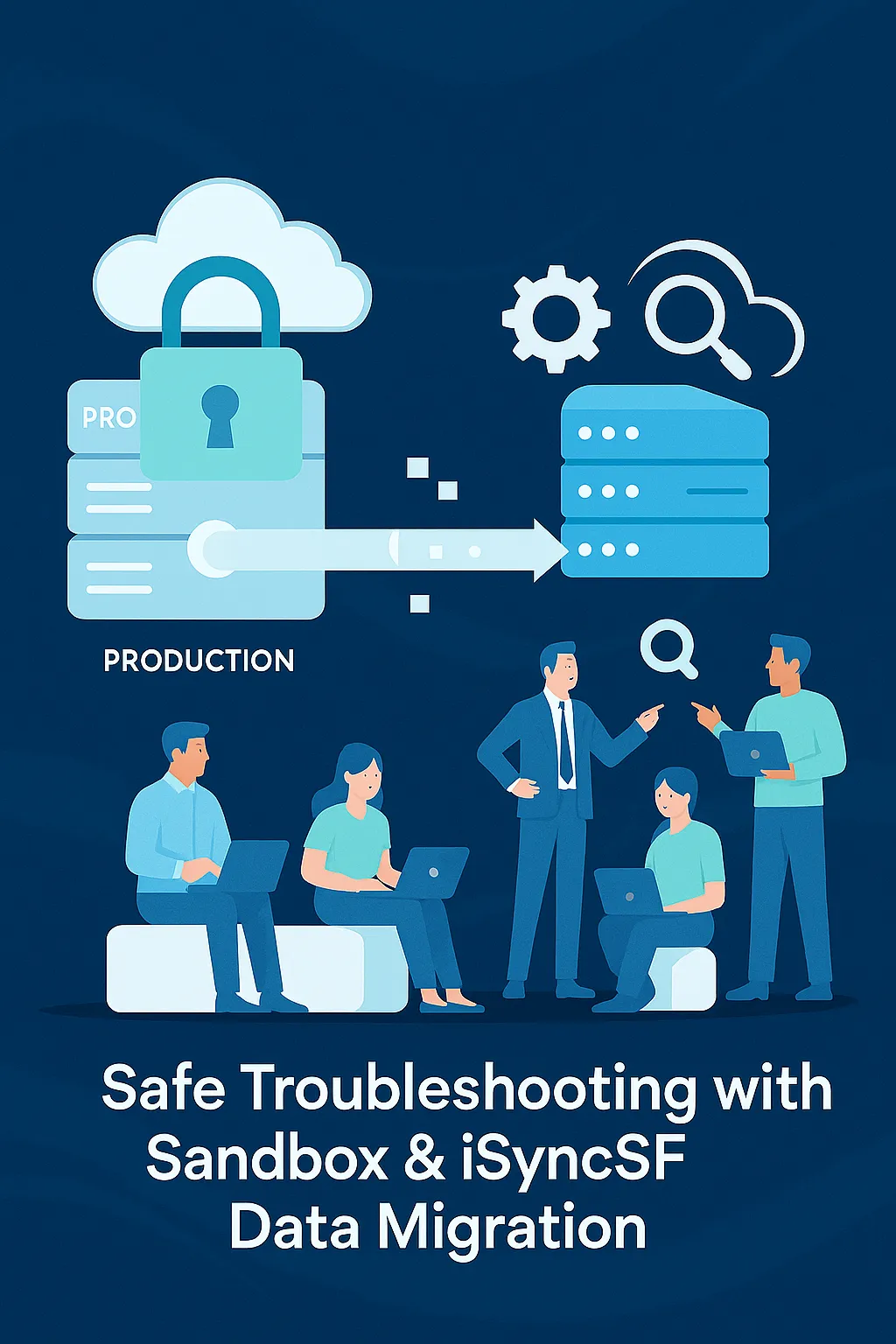
    Copy the transactional records behind an issue to a lower environment and investigate there.

    Explore the solution
  • Security and privacy

    The need

    Keep sensitive data private when production data is copied for people who should not see it.

    With iSyncSF

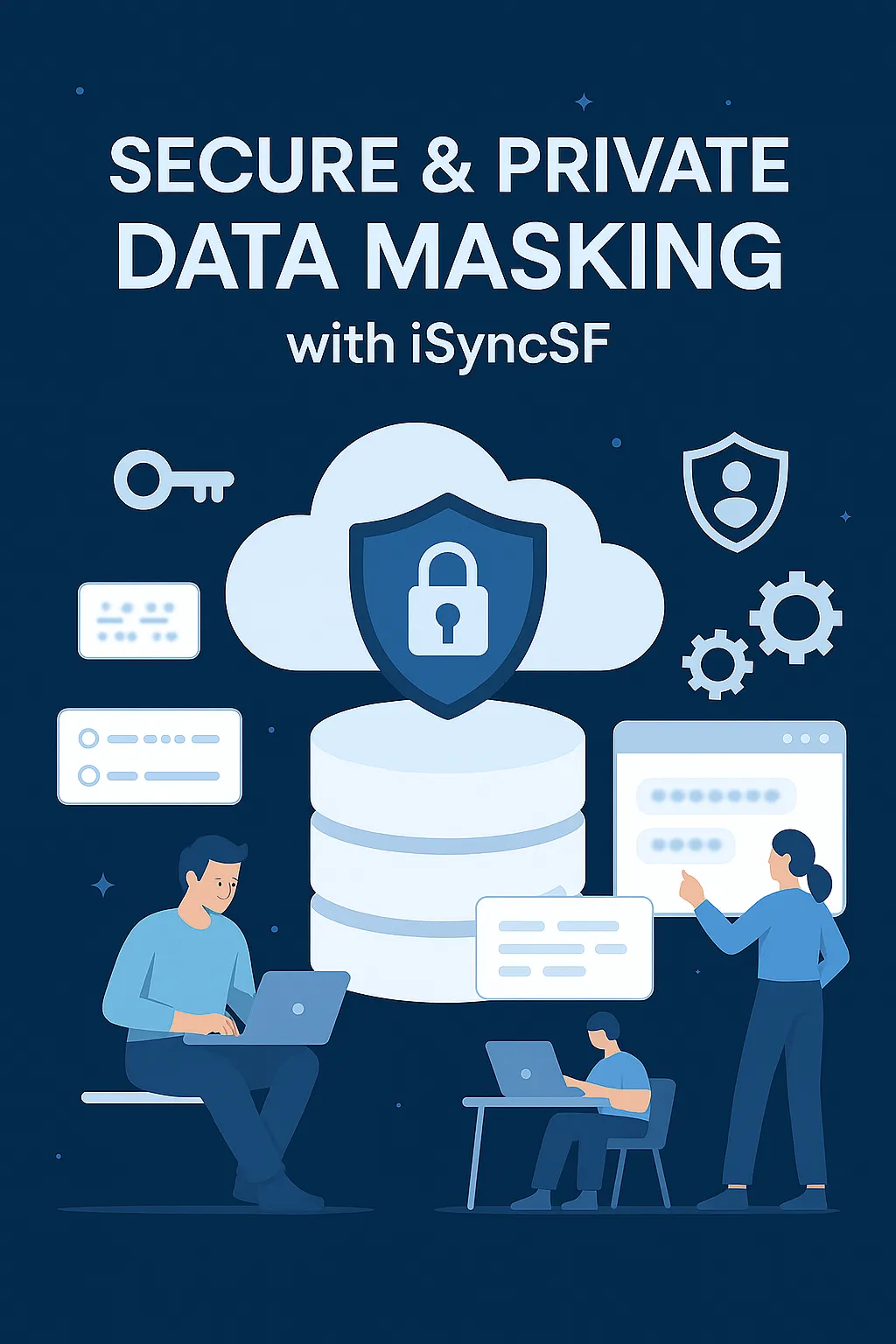
    Mask all or part of the data in a sandbox or in production, remove the field history trail of masked records and get a success and error report for every run.

    Explore the solution
  • Business and release teams

    The need

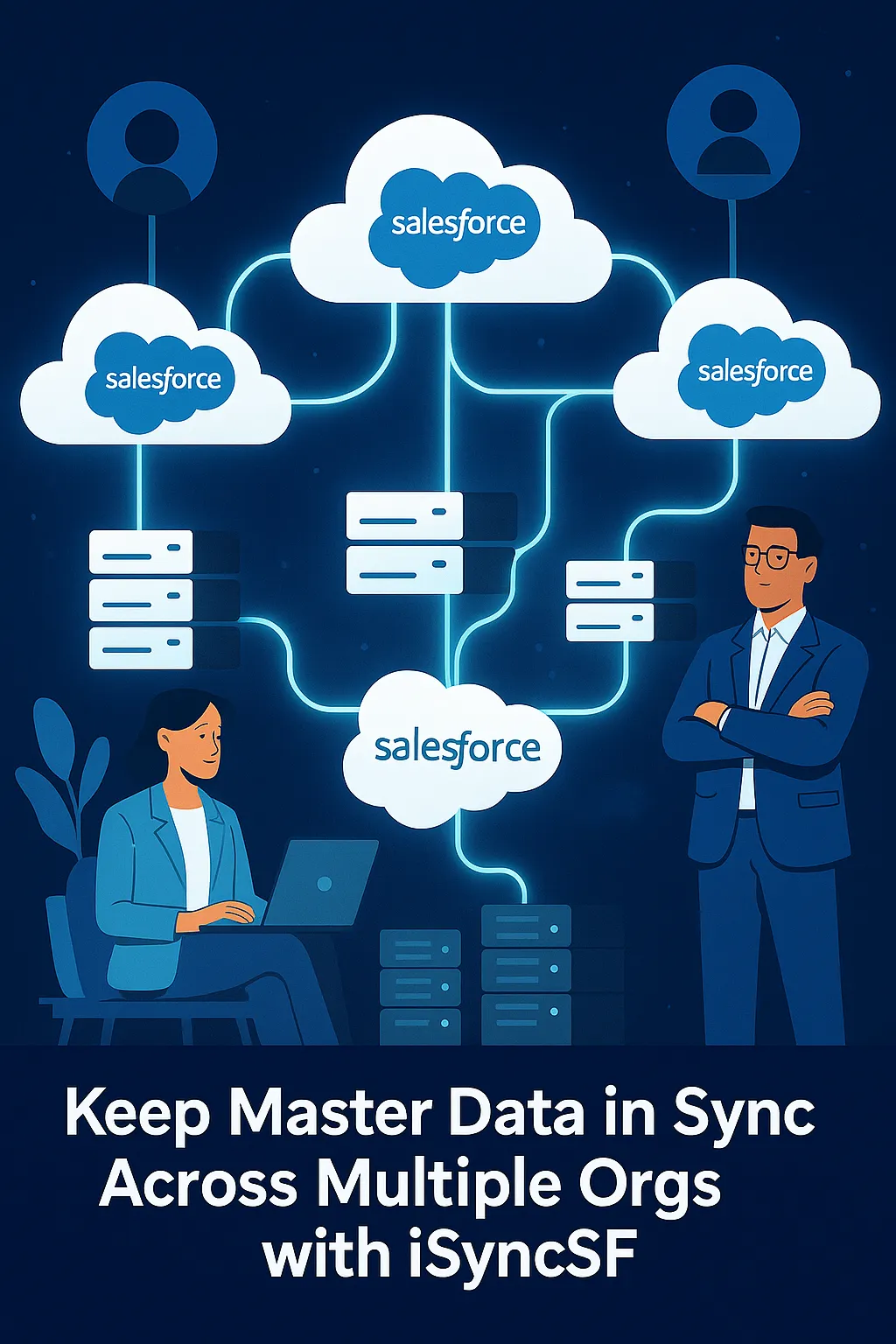
    Keep master data identical across UAT, SIT and production so every team works from the same records.

    With iSyncSF

    Create business rules and reference data once in production and create the same records in each test org in a few clicks.

    Explore the solution
  • Not sure where your project fits?

    Walk through your data model with the iSyncSF team and get a migration plan.

    Talk to the team Compare native, middleware and manual

Trust

Native, reviewed and ready for your org.

  • 100% nativeInstalled as a managed package from AppExchange. No external servers, middleware or third-party storage.
  • Salesforce security reviewiSyncSF passed the Salesforce AppExchange security review.
  • Field-level securityQueries enforce field-level security, so people only move data they can see.
  • 4.82 on AppExchangeRated 4.82 by customers on Salesforce AppExchange, listed since 2021.

Questions security teams ask

How are orgs connected?

With Salesforce's own secure connection methods, such as External Client Apps, Named Credentials and OAuth 2.0, managed in your org.

Is every run auditable?

Yes. Detailed logs record what moved, what failed and why.

How is it installed?

As a managed package from Salesforce AppExchange, straight into your org.

How do upgrades work?

You install new versions yourself from AppExchange, or the iSyncSF team pushes the upgrade to your org once you approve it.

All security answers

Compatible with

  • Lightning Ready
  • Multiple Currencies
  • Person Accounts
  • Agentforce ready
  • Managed packages
  • Salesforce CPQ templates
  • Conga CPQ templates
  • Revenue Cloud templates
  • nCino templates
Everything iSyncSF works with
“Before iSyncSF, we spent hours preparing Excel files and manually loading data into each environment … Now, with iSyncSF, it's as simple as writing a query.”
NirmalProduct Owner, Salesforce & Business Systems · Medical Devices & Digital Dentistry
An iSyncSF support expert on a headset call

Certified Salesforce expertsReal people, no bots. 24/7 for critical issues on Premium Support.

Support

Known for the support behind it.

The iSyncSF team helps before, during and after every migration, from planning to post-migration checks.

  • People who know Salesforce dataCertified consultants, not bots.
  • Certified Salesforce consultantsEvery support consultant is Salesforce certified.
  • Standard and Premium SupportStandard included; Premium adds 24/7 for critical issues and phone.
  • Pre and post-migration helpPlanning, mapping and checks with your team.

Sync. Migrate. Relax.

See iSyncSF work on your own data.

Try it in your org

Install from Salesforce AppExchange (click Get It Now on the listing) and use every feature free for 15 days, with support included.

Start 15-day free trial

Plan it with an expert

Walk through your data model and migration plan with the iSyncSF team. Real people, no bots.